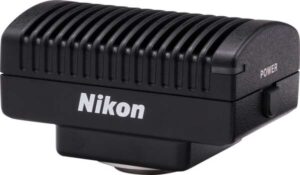
Overview & Features
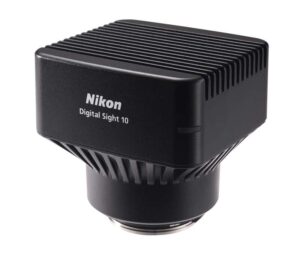
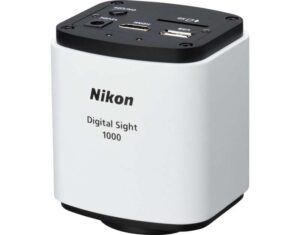
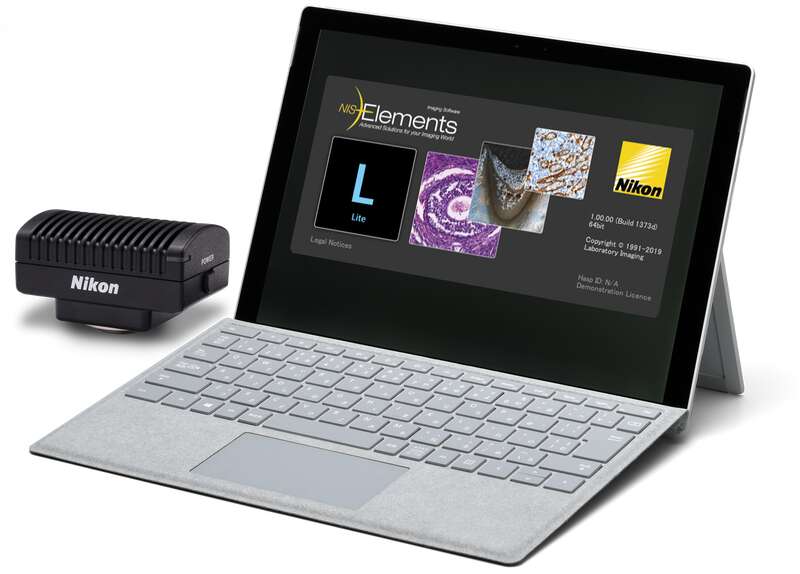
Easily view images and control image acquisition settings for the Digital Sight 10, Digital Sight 1000 or DS-Fi3 camera on a tablet PC using NIS-Elements L.
Note: For Windows® 10 and 11 64-bit Professional. Nikon-specified tablet is included in NIS-Elements L. Tablet specifications may differ based on world region.
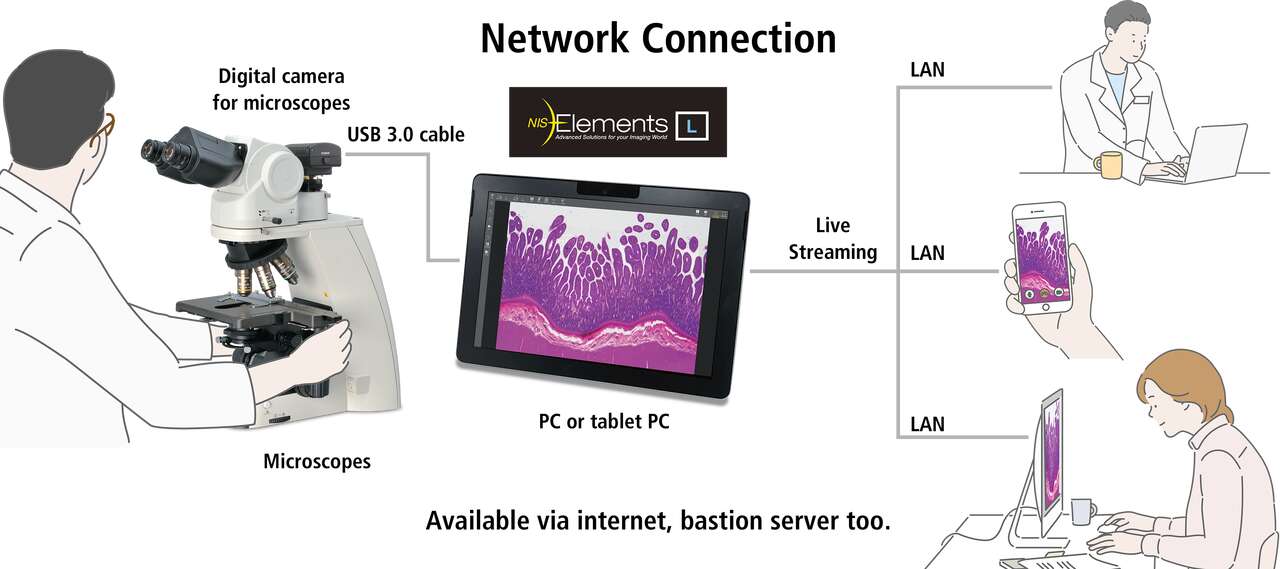
New! Streaming Feature Available on plural PCs via network
* NIS-Elements L is not for clinical diagnostic use.
Features
Easy-to-use interface
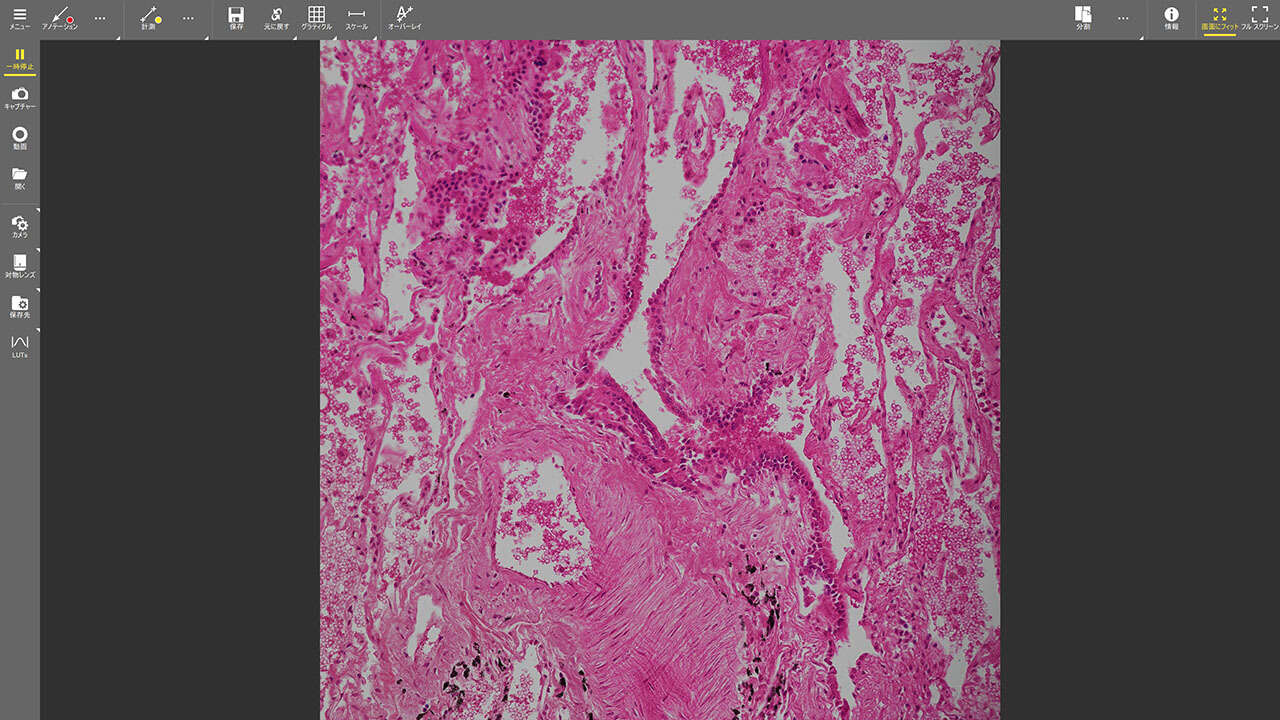
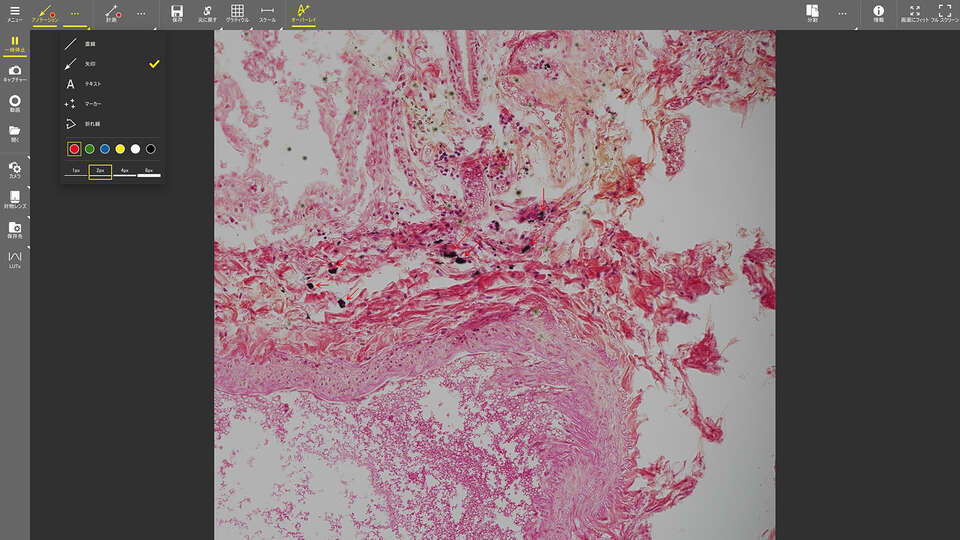
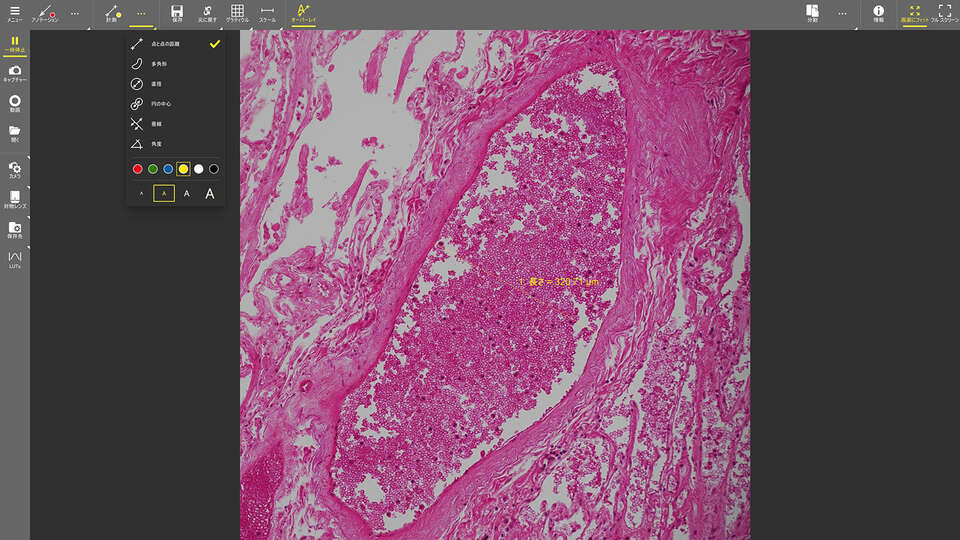
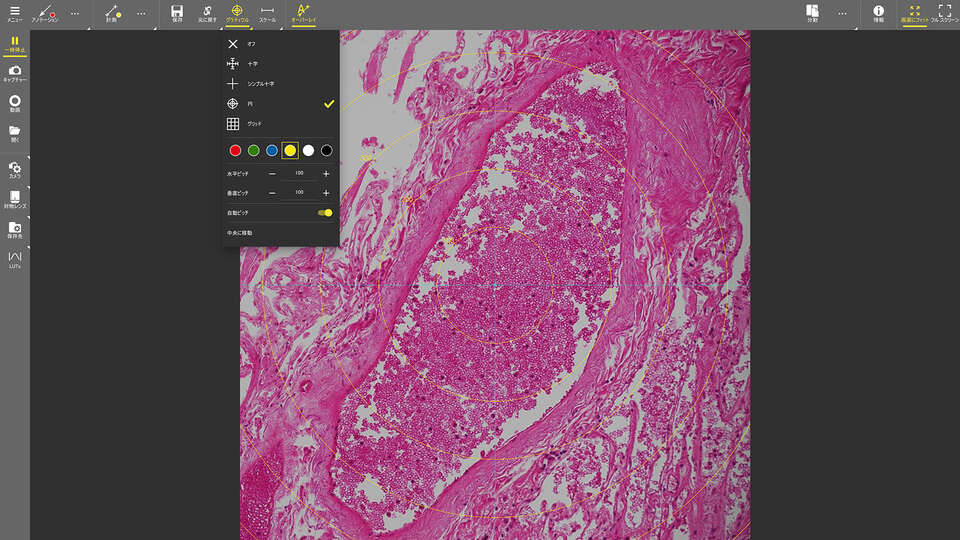
Streamlined menus and intuitive icons for image capture, saving, display, measurement and annotations. Supports touch screen functionality for fast and easy control.
A wide variety of tools
Provides simple measurement and annotation tools. Results can be saved with the image and exported for further use.
Scene mode
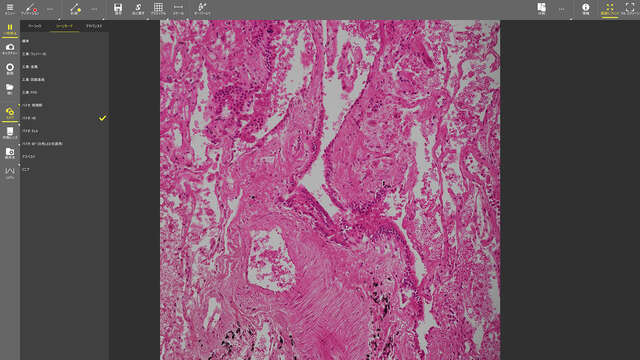
Ten different camera settings are available for optimal color reproduction and contrast for each microscope light source, observation method and sample type. Users can also define custom settings.
Streaming feature
The NIS-Elements L screen can be easily streamed to other PCs and mobile devices that are on the same network. The shared content is viewed through a browser. Using this streaming feature, the instructor can easily share their view through the microscope with all the students in the classroom.
Additional functions
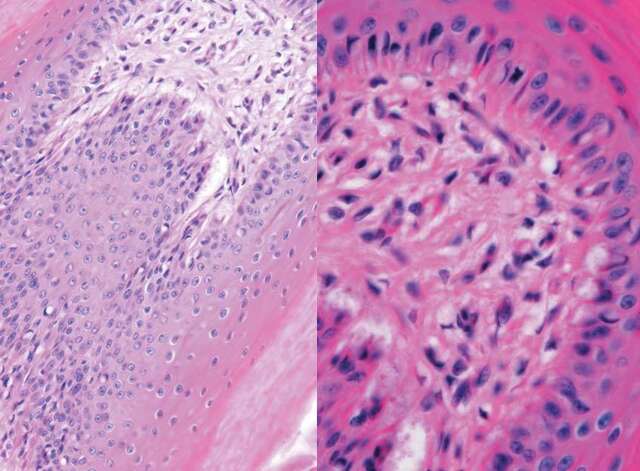
- Split screen display: A live image is displayed on the left side of the screen and the saved image is displayed on the right side. When synchronization is activated, magnification is synchronized for both images.
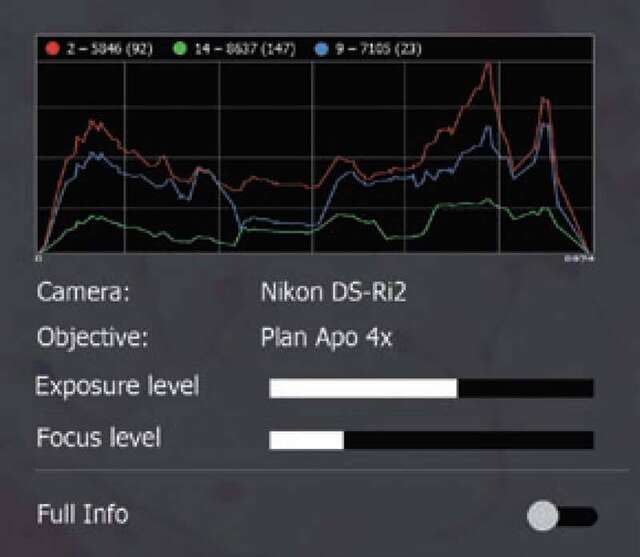
- Camera information: Histogram and metadata for the image are displayed.
- Full screen: Image can be displayed across the entire screen.
- Saving: Displayed image is saved with a new file name.